All products
Apps & Utilities Web app · Live
Kumi組
Paste a list of names, get groups in seconds.
Import Google Forms sign-up data. Reveal the groups one by one.
Best on a phone. Add it to your home screen and it behaves like a regular app.
One list, split into groups.
Orientations, camps, clubs and classes keep needing the same thing: one name list, split into groups.
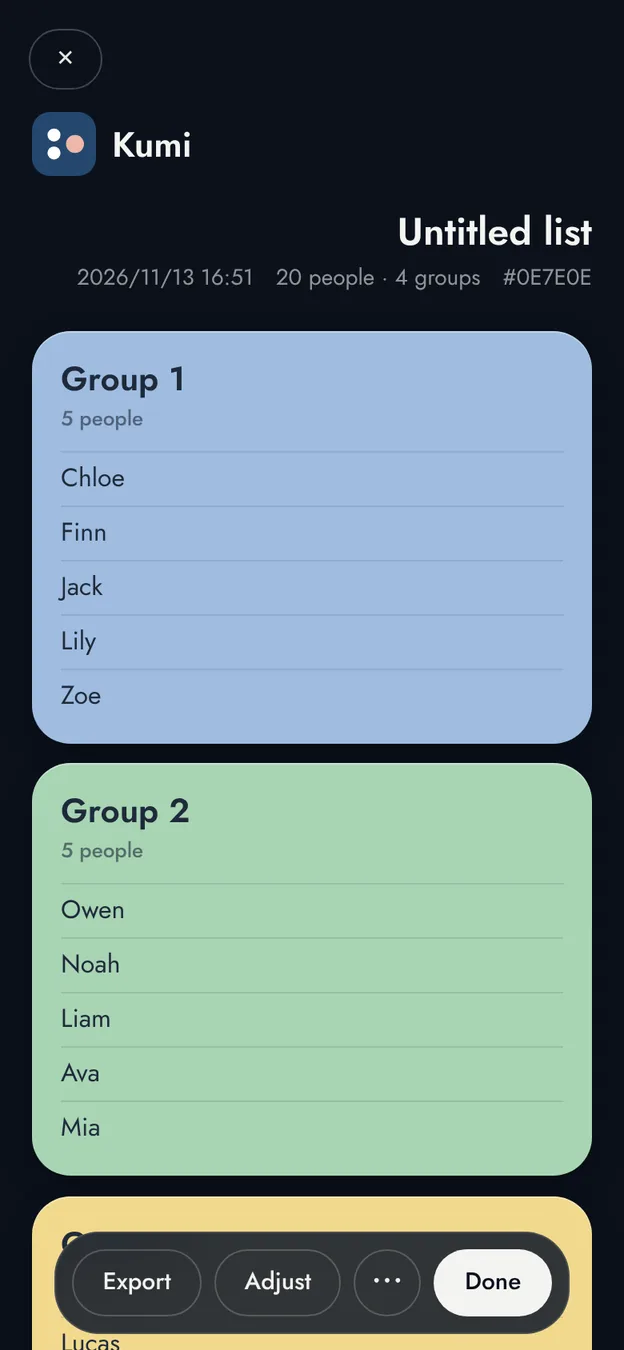
Kumi cuts it down to three steps: paste the list, pick how to split, reveal. Sign-up data can come straight from a Google Form.
Paste the list, pick a rule
It counts the names first; then choose the number of groups, the group size, or preferences.
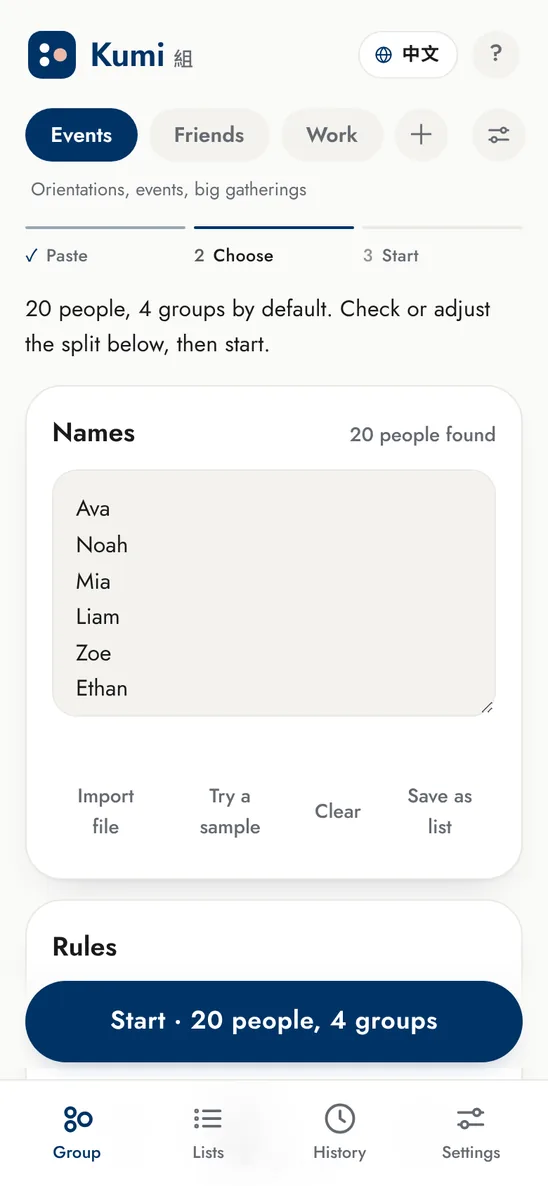
In use
- Three ways to group
- Random, preference, and tag-balanced.
- Import from Google Forms
- No need to tidy the sign-up data a second time.
- Card-flip reveal
- When you announce live, groups are turned over one at a time.
- History
- Finished groupings are kept in the history to open again later.
- Format
- Web app, no download
- Good for
- Orientations, camps, clubs, classes
- Language
- Chinese, English
- Price
- Free
- Status
- Live
- Feedback
- Email thegracestudio.tw@gmail.com with the app name and what happened.
Kumi
Open ↗