Apps & Utilities Web app · Live
TAN攤
Enjoy the trip. We’ll split the bill.
Split costs among several people and see who pays whom, settled in a handful of transfers.
Best on a phone. Add it to your home screen and it behaves like a regular app.
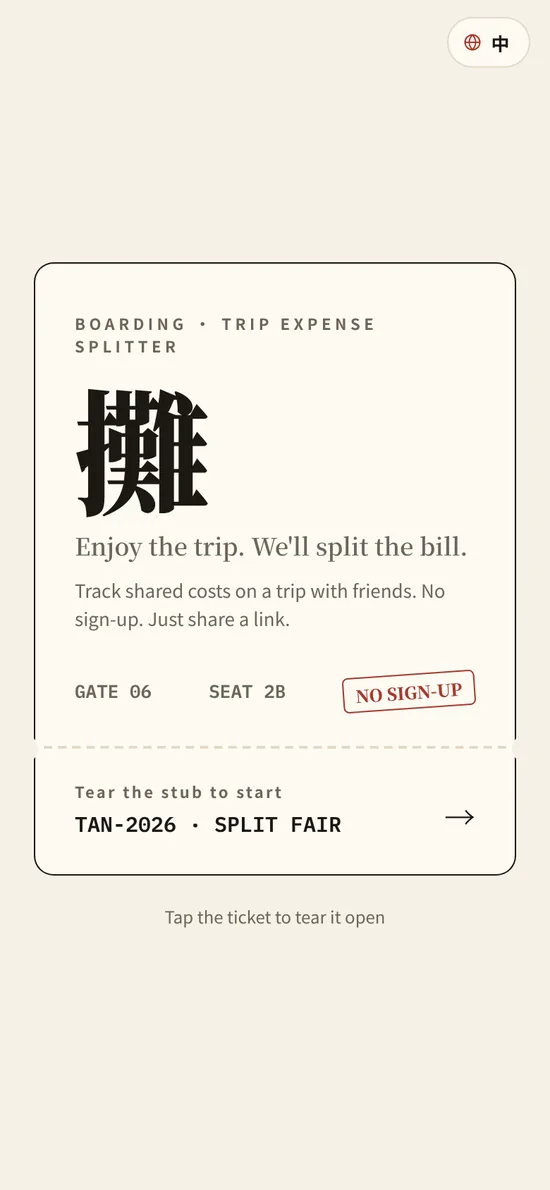
Trip expenses usually get worked out after you are home.
Breakfast on A’s card, the train on B, dinner covered by C. Back home everyone remembers half of it, and the group chat goes back and forth.
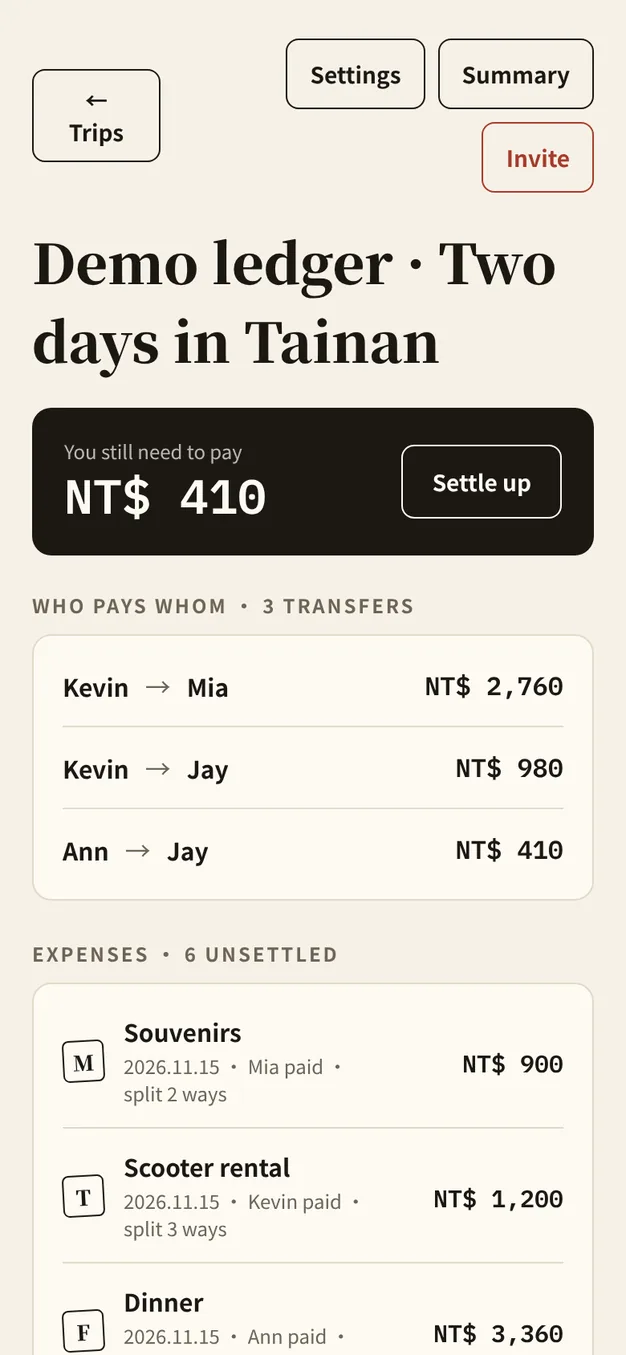
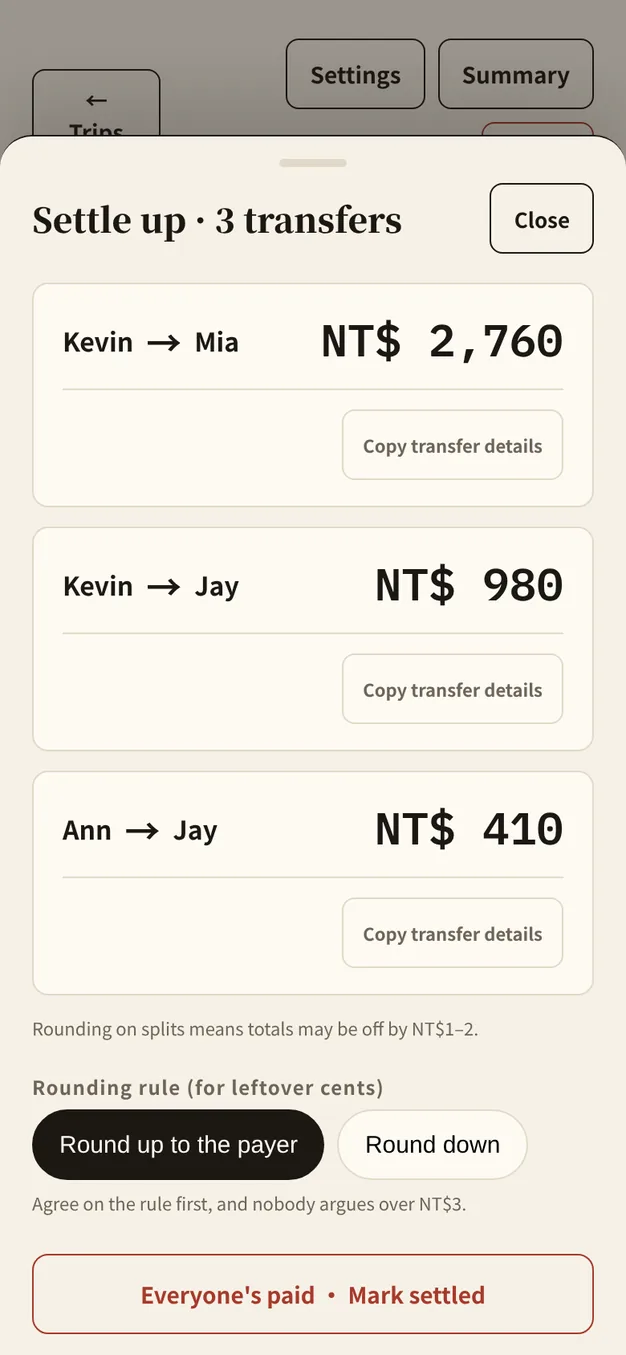
TAN puts everyone’s spending into one shared ledger as it happens. At the end it shows who should pay whom, and how much, never in more transfers than people minus one.
From joining to settled
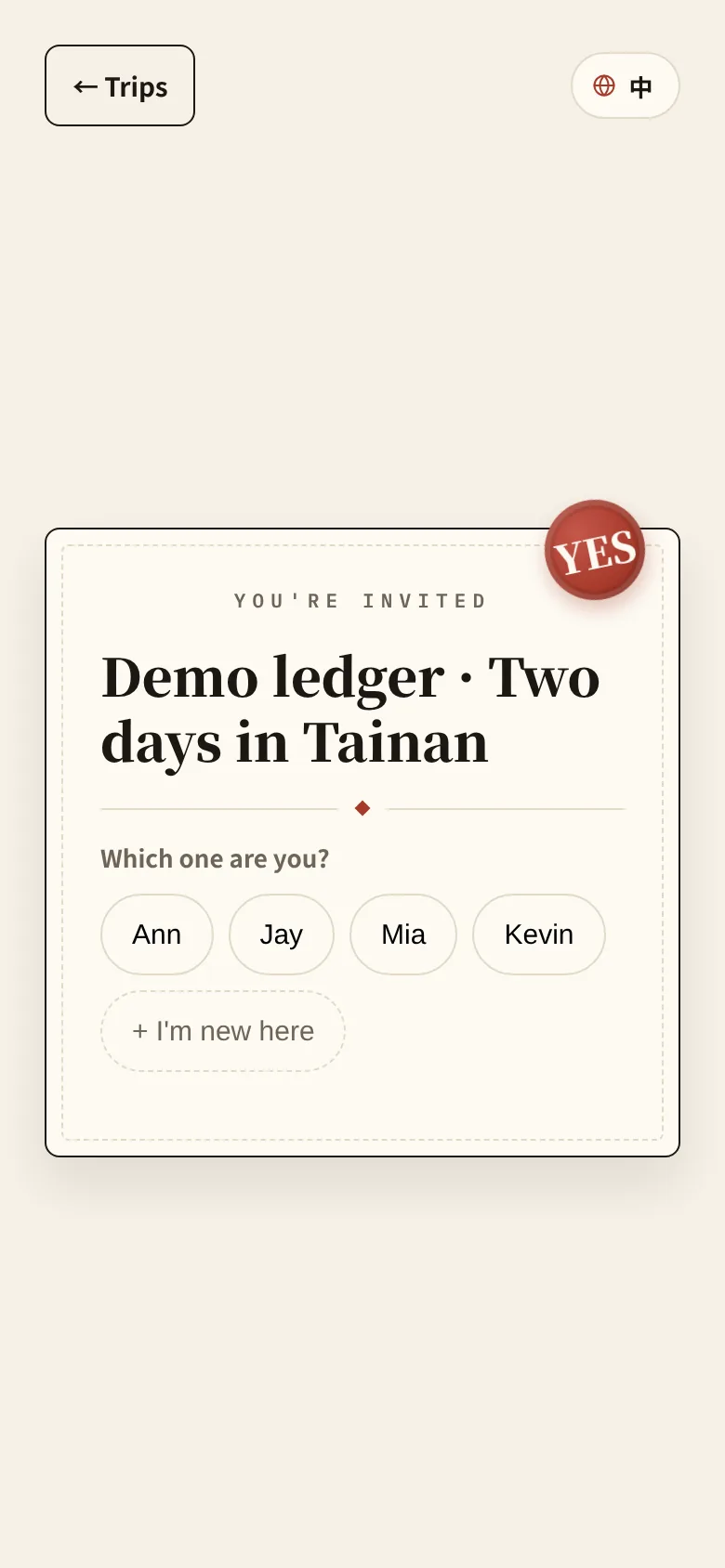
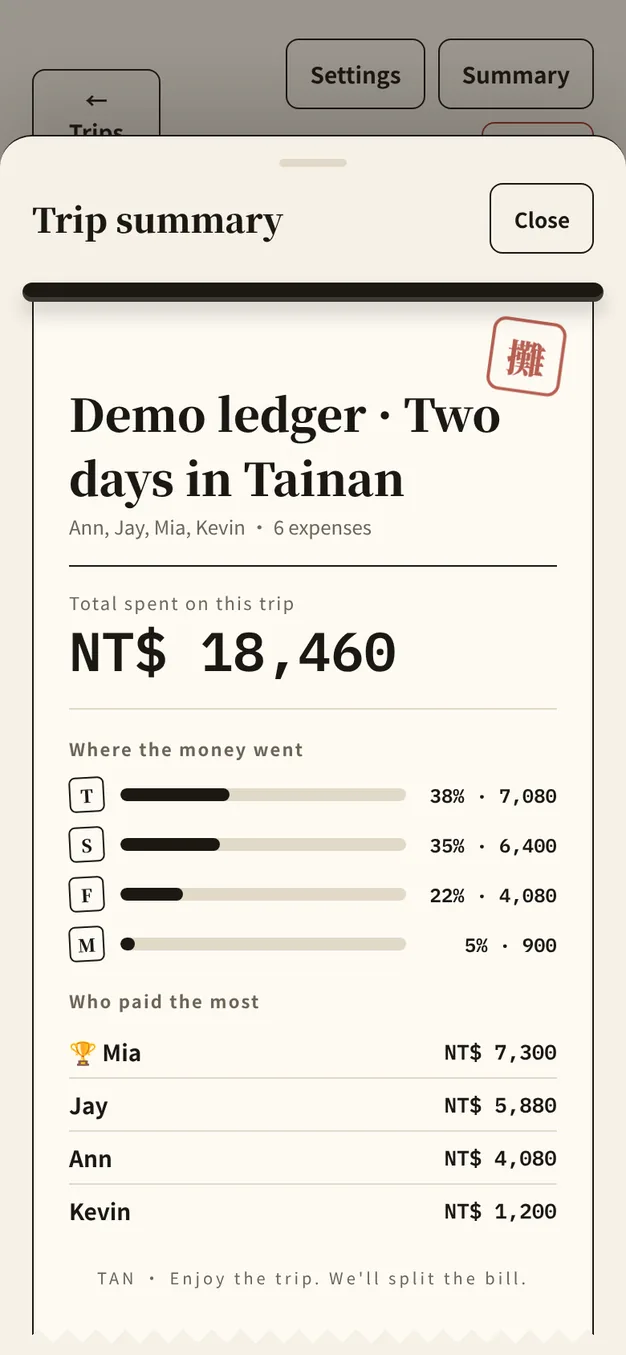
A ledger passes through these four screens from start to finish. The last three show a demo ledger, “Two days in Tainan”: the same ledger as on the Chinese page, with names and items in English. Its members and expenses are made up.
In use
- Exchange rate locked per expense
- Changing the rate later does not touch what is already logged.
- Recover it on a new phone
- Identity lives in each browser. Save your personal recovery link; on a new phone it first lists the ledgers it will reconnect, and reconnects only after you confirm. Each link works once, so save a new one afterwards.
- The creator manages members
- Whoever started the ledger can see how many devices sit under each name and remove anyone who should not be there. Removing someone also renews the invite link, so the old one stops working.
- It counts, it does not pay
- TAN does not move money. It works out who pays whom; you make the transfers yourselves.
- Needs a connection
- Members share the same ledger in the cloud, so it does not work offline.
Getting started
Open it on your phone, start a new ledger, and send the invite link to your group.
- Format
- Web app, no download
- Joining
- Open the invite link, pick your name, no sign-up
- Language
- Chinese, English
- Price
- Free for now; whether it will charge later is undecided
- Status
- Live, still being updated
- Feedback
- Email thegracestudio.tw@gmail.com with the app name and what happened.